 Board Designer
Woods
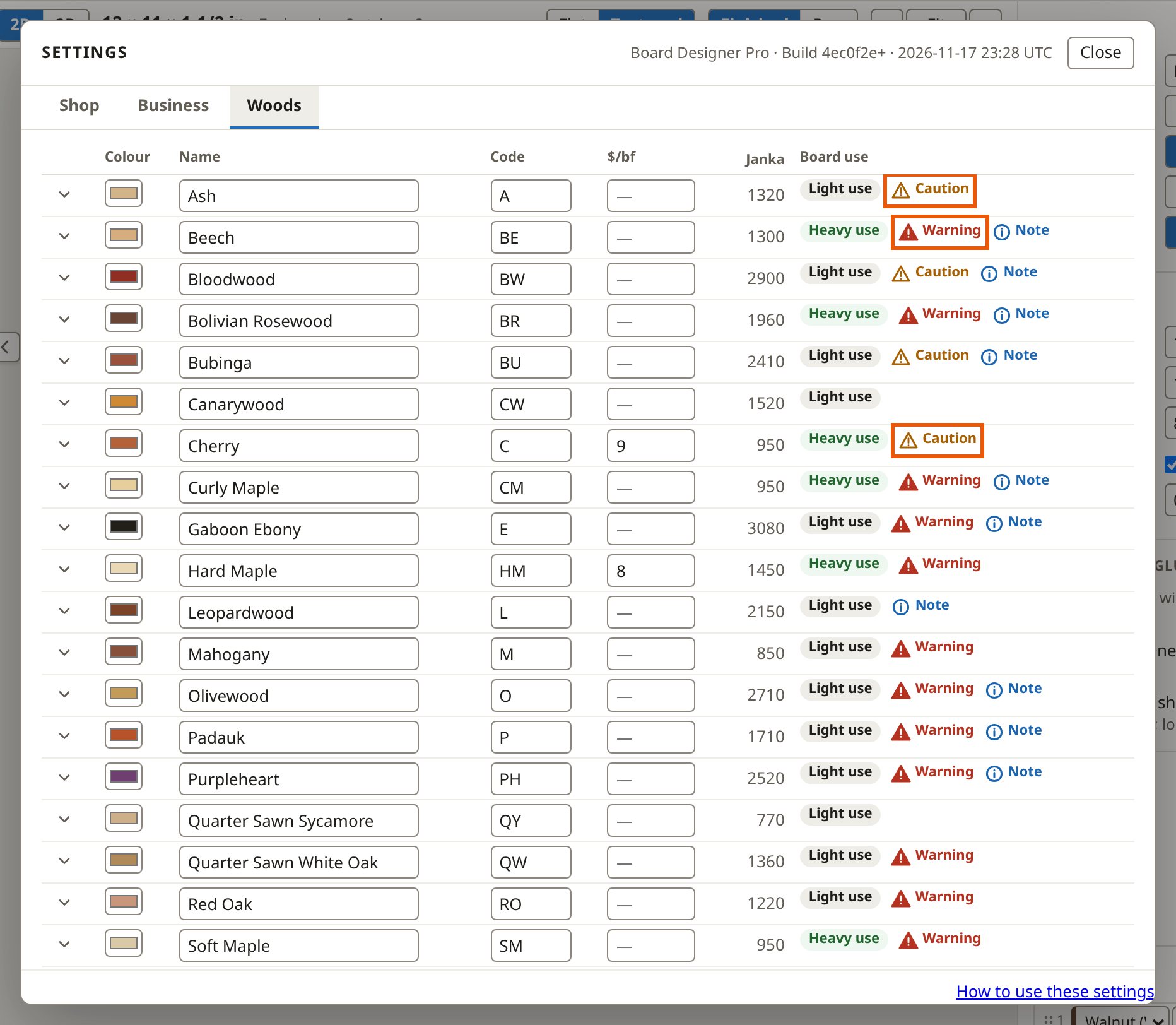
You find the woods in Settings, under Woods: over fifty built in, and any you add.
What each wood says
- Board use: heavy (daily chopping), light (occasional cutting) or decorative (serving and display), with a note on why.
- Wood reactions: what its dust can do, condensed from The Wood Database and credited where it is shown.
- Shop notes: tips tagged to a step (milling, gluing, finishing), shown on the shop sheet at that step.
- Its colours, its grain for the textured picture, and links to the Wood Database and your suppliers.
Prices
You give a wood a price per board foot, and every stick of it is costed from that. In Pro you can also price a stick size directly; see stick prices.
Your own woods
You add a wood with its name, code and colours, and edit any built-in one; your edits are kept. Decorative woods are hidden from the wood lists until you choose to show them.