 Board Designer
Your library
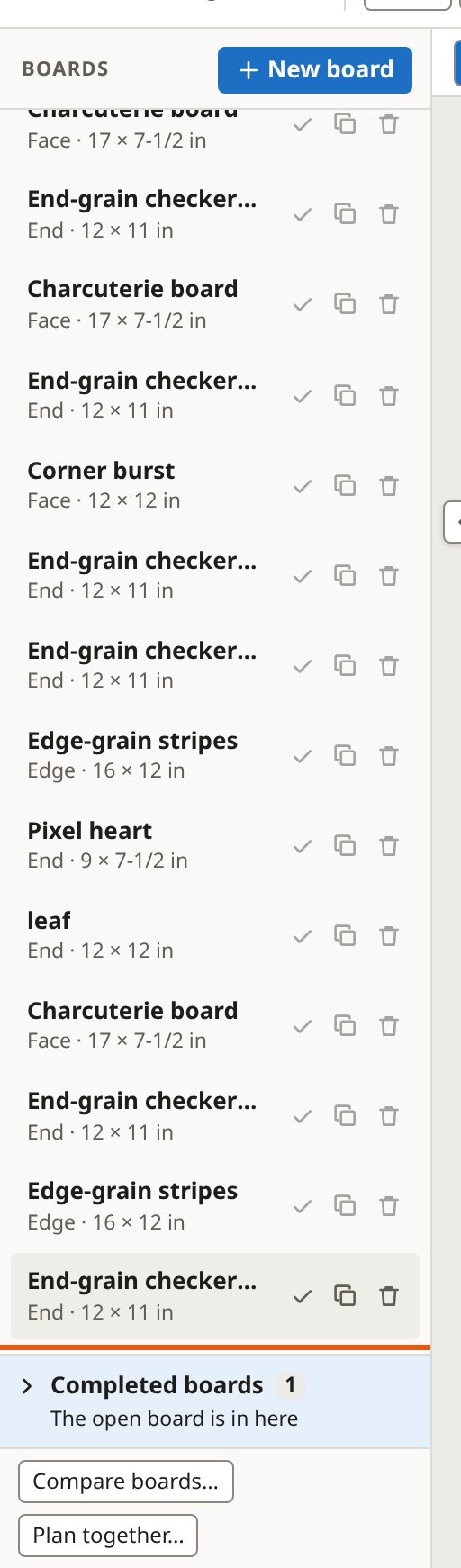
Your boards are listed on the left. They are kept in your browser, on your computer; nothing is sent anywhere.
Boards
You click a board to open it, duplicate it, delete it, or file it under Completed boards when it is built. A deleted board can be brought back from Recently removed.
Files
- Save keeps the open board as a file.
- Open brings boards in from a file, with any woods of your own they use.
- Export all saves every board to one backup file.
Files are how you move boards to another browser or computer, or keep a backup.
A library folder Pro
You click Library folder… and pick a folder, and every board is kept there as a file, with your settings, woods, stock and orders beside them. Point another computer at the same folder (a shared drive, or one Dropbox keeps in step) and both work from one library. When both change the same thing at once, both changes are kept and the app asks you which to keep: it never quietly throws one away.
A library folder needs a browser that lets web pages work in a folder: Chrome or Edge. Brave can too, if you turn its setting on (the app shows you where). Firefox and Safari cannot; there, your boards stay in the browser, and Save, Open and Export work as usual.