 Board Designer
Patterns
Beyond plain strips, you pick a Pattern and set its few numbers. The app knows how each one is really built, so the cut list and the steps follow the pattern's own glue-up order.
Rows and blocks
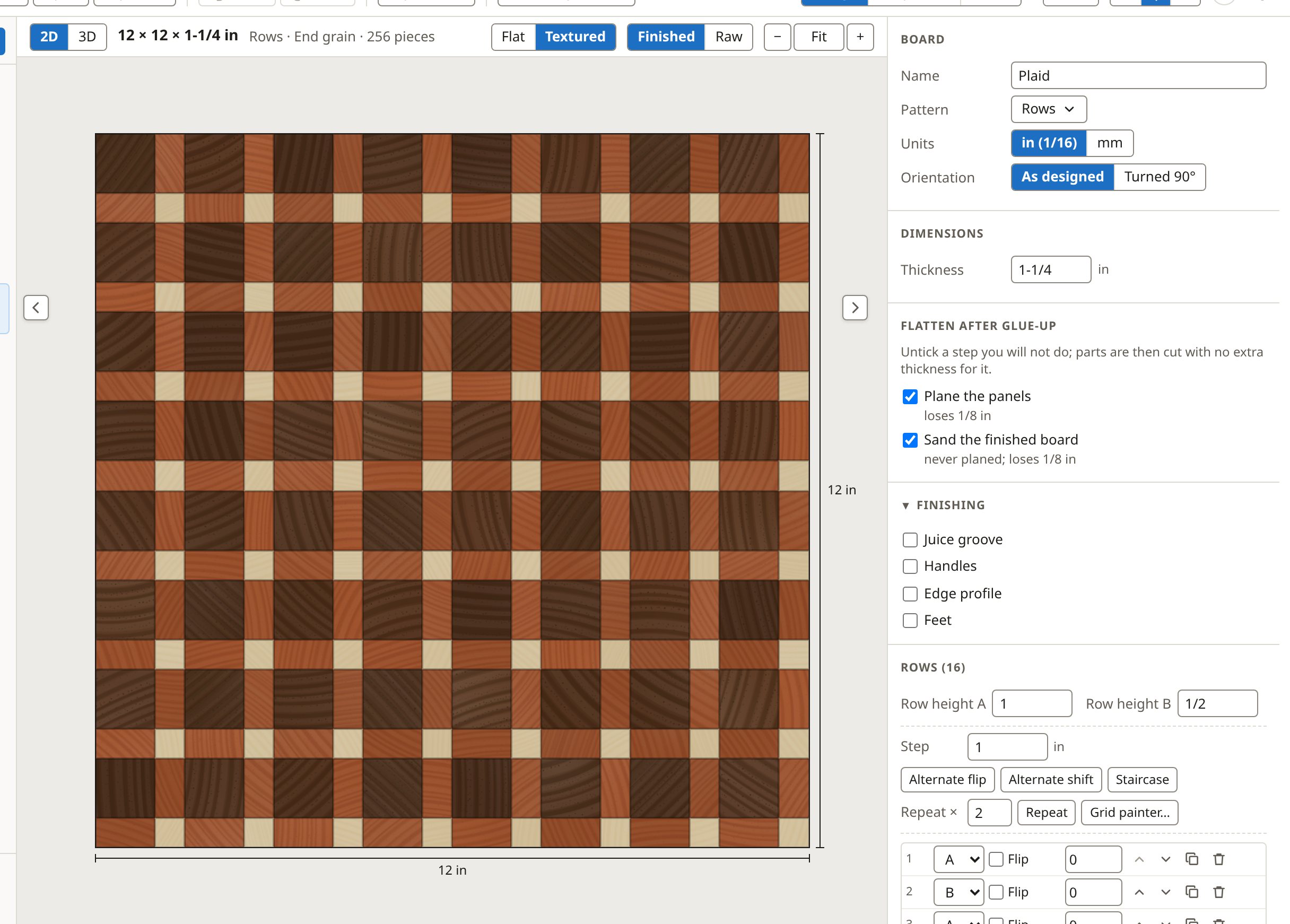
Rows stacks rows of end-grain blocks, each row its own strips, for bricks and offsets. Blocks lays out a grid of blocks, each turned or not, for checkerboards and weaves.
End-grain checkerboard (12 × 11 × 1-1/2 in)
Thick end-grain board; alternating slices flipped to form a checkerboard of two woods. Worked out with the app's default shop settings.
What to buy
| Wood | Sticks | Stick | Board feet |
|---|---|---|---|
| Walnut | 4 | 1-1/2 × 1-1/2 × 18 in S4S | 1.13 |
| Hard Maple | 4 | 1-1/2 × 1-1/2 × 18 in S4S | 1.13 |
2.26 board feet in all.
The cut list
| Wood | How many | Length (in) | Strip width (in) | Thickness (in) | Rip |
|---|---|---|---|---|---|
| Walnut | 4 | 14-3/8 | 1-1/2 | 1-1/2 | No rip |
| Hard Maple | 4 | 14-3/8 | 1-1/2 | 1-1/2 | No rip |
The steps
- Cut the strips
- Glue up the panel
- Plane to thickness
- Crosscut into slices
- Roll and arrange the slices
- Glue up the board
- Flatten and trim
Chevron and herringbone
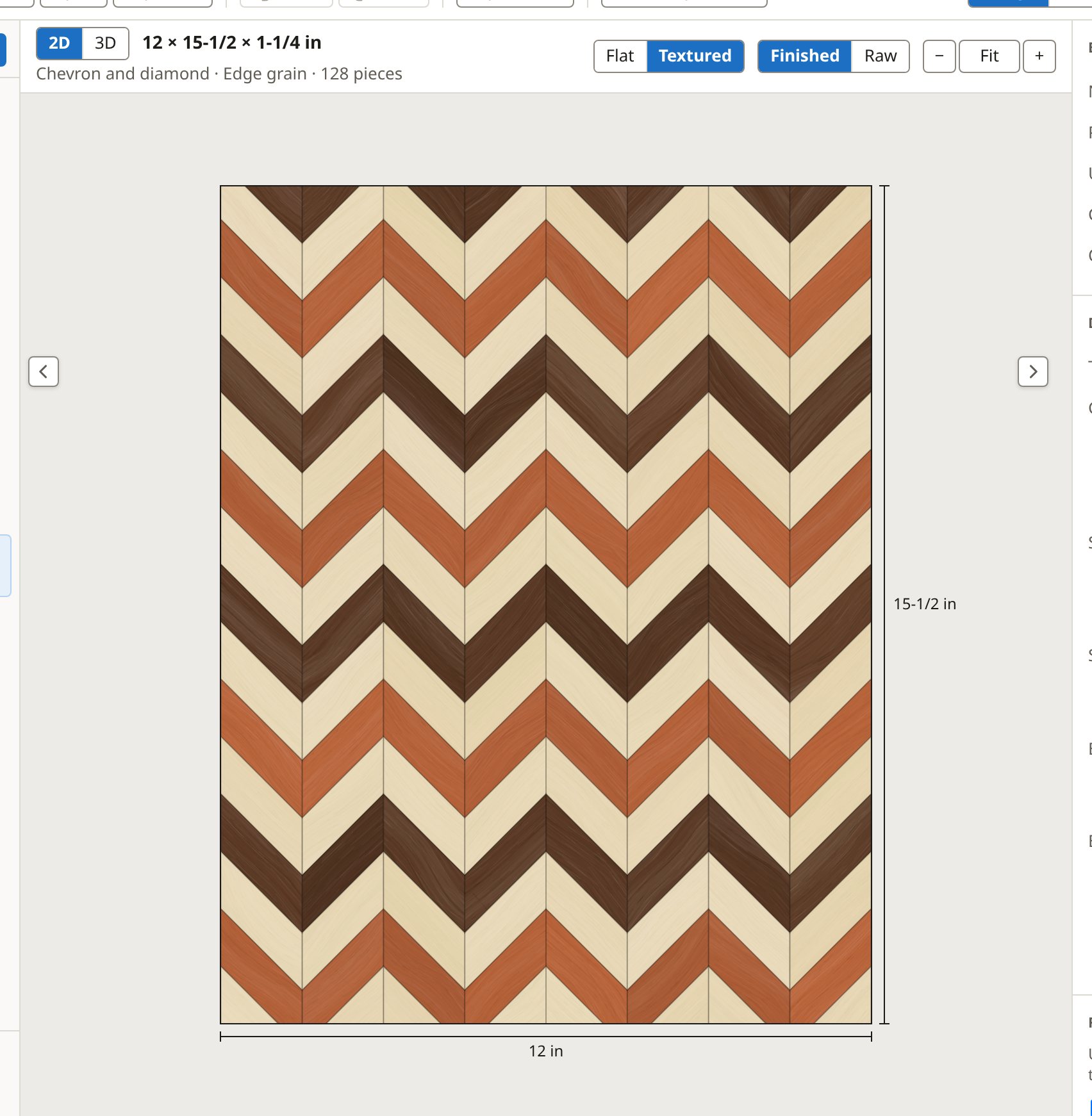
A chevron is cut from a strip panel at an angle and the slices flipped; you set the angle and the slice width. A herringbone is built from bricks glued course by course; you set the brick size and the courses.
Quarter-square, lattice and pixel
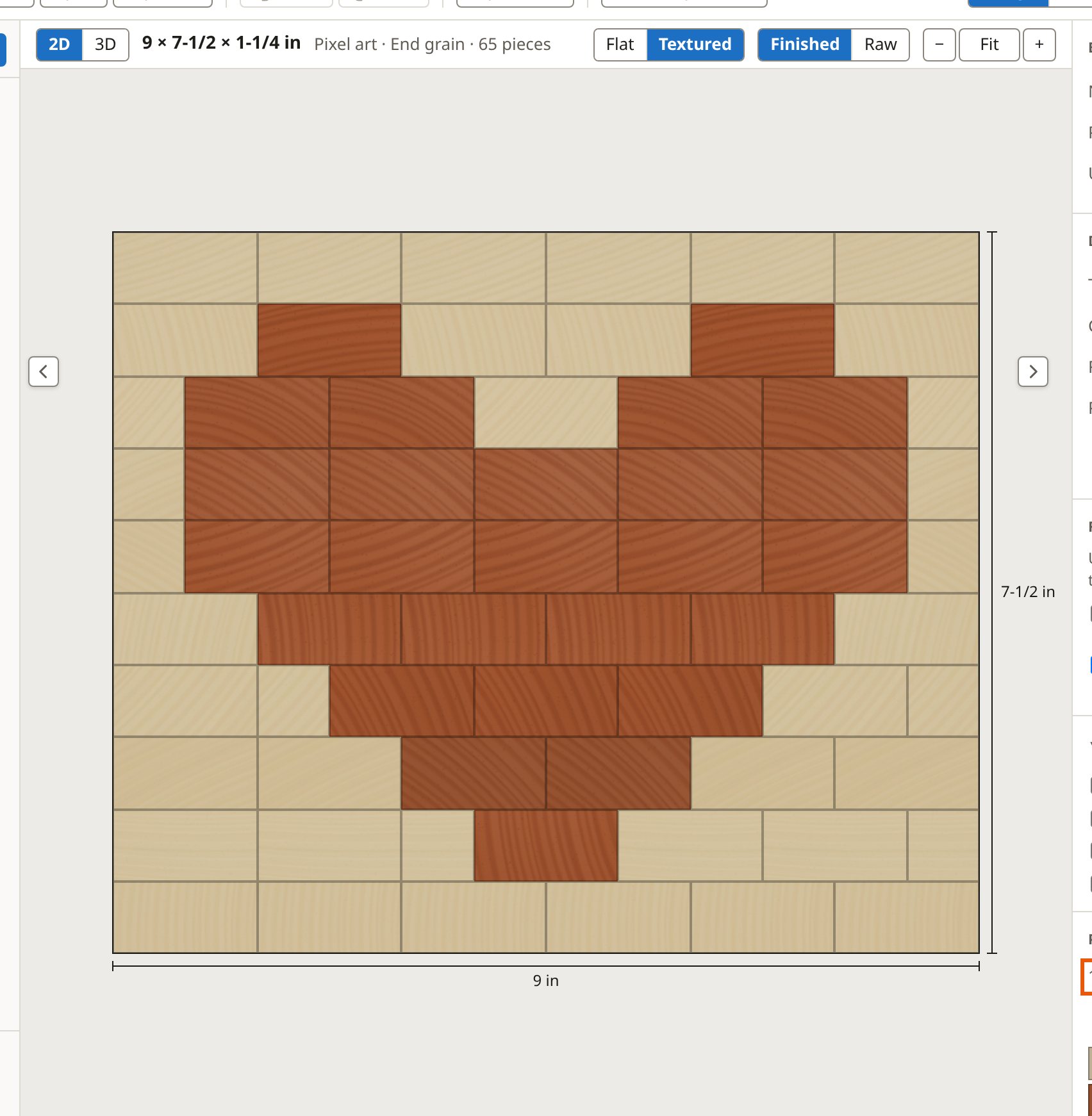
A quarter-square board turns four triangles round a centre. A lattice bundles prisms into cubes for a 3D-looking end grain. A pixel board is a picture of end-grain squares, painted cell by cell or brought in from an image.
Starburst
Wedges meet at a centre you place inside the board, on an edge or in a corner. As the app puts it: The wedges you see on the board: an even number from 6 to 32 with the centre inside the board, 3 to 16 on an edge, 2 to 8 in a corner. Fewer wedges are sturdier; more make a finer burst. When the whole fan is wider than your planer, the app glues it in sections that each fit, so each can be flattened before the next joint.
Sunburst (12 × 12 × 5/8 in)
Sixteen wedges of walnut, maple and cherry fan out from the middle of a square board. Worked out with the app's default shop settings.
What to buy
| Wood | Sticks | Stick | Board feet |
|---|---|---|---|
| Walnut | 2 | 3/4 × 3-1/2 × 24 in S4S | 0.88 |
| Hard Maple | 3 | 3/4 × 3-1/2 × 24 in S4S | 1.31 |
| Cherry | 2 | 3/4 × 3-1/2 × 24 in S4S | 0.88 |
3.07 board feet in all.
The cut list
| Wood | How many | Length (in) | Width (in) | Thickness (in) | Rip |
|---|---|---|---|---|---|
| Walnut | 4 | 6-1/2 | 2-11/16 | 3/4 | Rip |
| Hard Maple | 8 | 7-5/8 | 2-7/8 | 3/4 | Rip |
| Cherry | 4 | 9 | 3-1/8 | 3/4 | Rip |
The steps
- Prepare the wedge blanks
- Test the taper
- Cut the tapers on a jig
- Glue up the ring
- Trim to the rectangle
- Flatten and finish
With the centre in a corner, the wedges fan out across the board:
Corner burst (12 × 12 × 5/8 in)
Six walnut and maple wedges fan out from one corner of the board, each a whole wedge from edge to edge. Worked out with the app's default shop settings.
What to buy
| Wood | Sticks | Stick | Board feet |
|---|---|---|---|
| Walnut | 1 | 4/4 × 6 × 48 in rough | 2.00 |
| Hard Maple | 1 | 4/4 × 6 × 48 in rough | 2.00 |
4.00 board feet in all.
The cut list
| Wood | How many | Length (in) | Width (in) | Thickness (in) | Rip |
|---|---|---|---|---|---|
| Walnut | 1 | 17-3/8 | 4-5/16 | 3/4 | Rip |
| Walnut | 1 | 14-1/4 | 3-11/16 | 3/4 | Rip |
| Walnut | 1 | 13-1/8 | 3-11/16 | 3/4 | Rip |
| Hard Maple | 1 | 17-3/8 | 4-5/16 | 3/4 | Rip |
| Hard Maple | 1 | 14-1/4 | 3-11/16 | 3/4 | Rip |
| Hard Maple | 1 | 13-1/8 | 3-11/16 | 3/4 | Rip |
The steps
- Mill the rough stock
- Prepare the wedge blanks
- Test the taper
- Cut the tapers on a jig
- Glue up the fan
- Trim to the rectangle
- Flatten and finish
The woods in a pattern
Most patterns take a list of woods that repeat in order. Where a ring closes and the woods do not divide evenly, the help says so, so two of the same wood never sit side by side by surprise.