 Board Designer
The shop sheet
You open Shop sheet to see the board as you will build it. It is a print preview: what you see is what prints.
Here is the sheet for one of the starter boards, worked out by the app itself:
Edge-grain stripes (16 × 12 × 1-3/8 in)
Classic long-grain board: narrow strips of three woods glued edge to edge. Worked out with the app's default shop settings.
What to buy
| Wood | Sticks | Stick | Board feet |
|---|---|---|---|
| Walnut | 6 | 3/4 × 1-1/2 × 18 in S4S | 0.84 |
| Hard Maple | 6 | 3/4 × 1-1/2 × 18 in S4S | 0.84 |
| Cherry | 4 | 3/4 × 1-1/2 × 18 in S4S | 0.56 |
2.24 board feet in all.
The cut list
| Wood | How many | Length (in) | Strip width (in) | Thickness (in) | Rip |
|---|---|---|---|---|---|
| Walnut | 6 | 16-1/2 | 3/4 | 1-1/2 | No rip |
| Hard Maple | 6 | 16-1/2 | 3/4 | 1-1/2 | No rip |
| Cherry | 4 | 16-1/2 | 3/4 | 1-1/2 | No rip |
The steps
- Cut the strips
- Glue up the panel
- Plane to thickness
- Trim to final size
What to buy
The purchase list gives each wood's sticks: how many, their size, and their board feet. When a wood has a price, each line is costed and the total shown; a line with no price says so, and is never counted as free.
The cut list
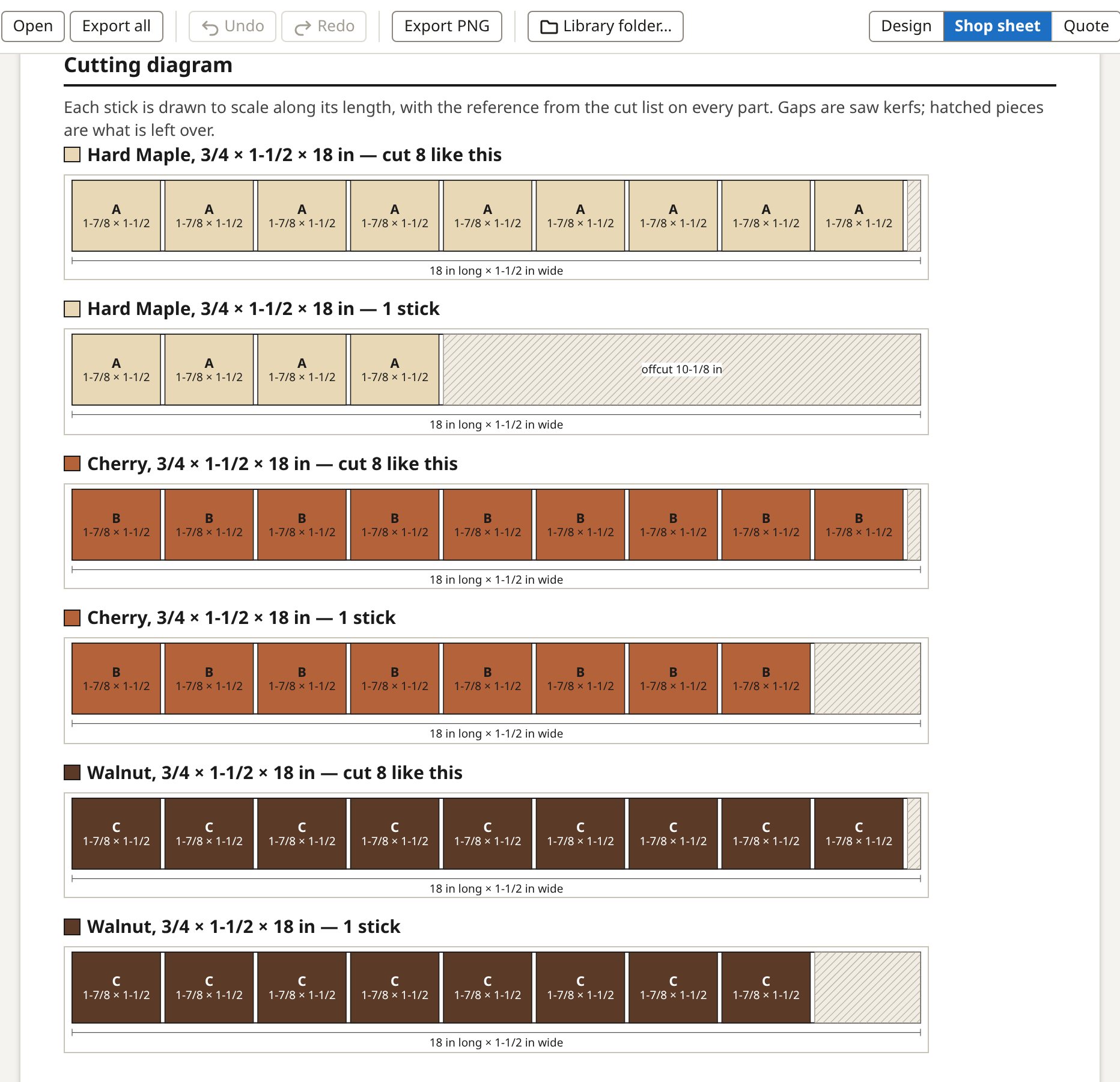
Every part you cut: its wood, how many, its length, width and thickness, and whether it needs a rip. The cutting diagram shows how the parts come out of each stick, with the saw kerf and the end trim counted.
The build steps
Numbered steps in order: milling, cutting, each glue-up, flattening and finishing, each with a diagram. Under the board's woods you see their shop notes (for example "the curl can tear out when planed"), marked on the step they belong to, and any wood reactions with their source credited.
Flattening
After each glue-up you choose whether it is flattened. A glue-up that is not flattened adds no allowance, so the parts are cut to the size they are glued at. The allowances themselves are your settings.
Print, PDF and shop mode
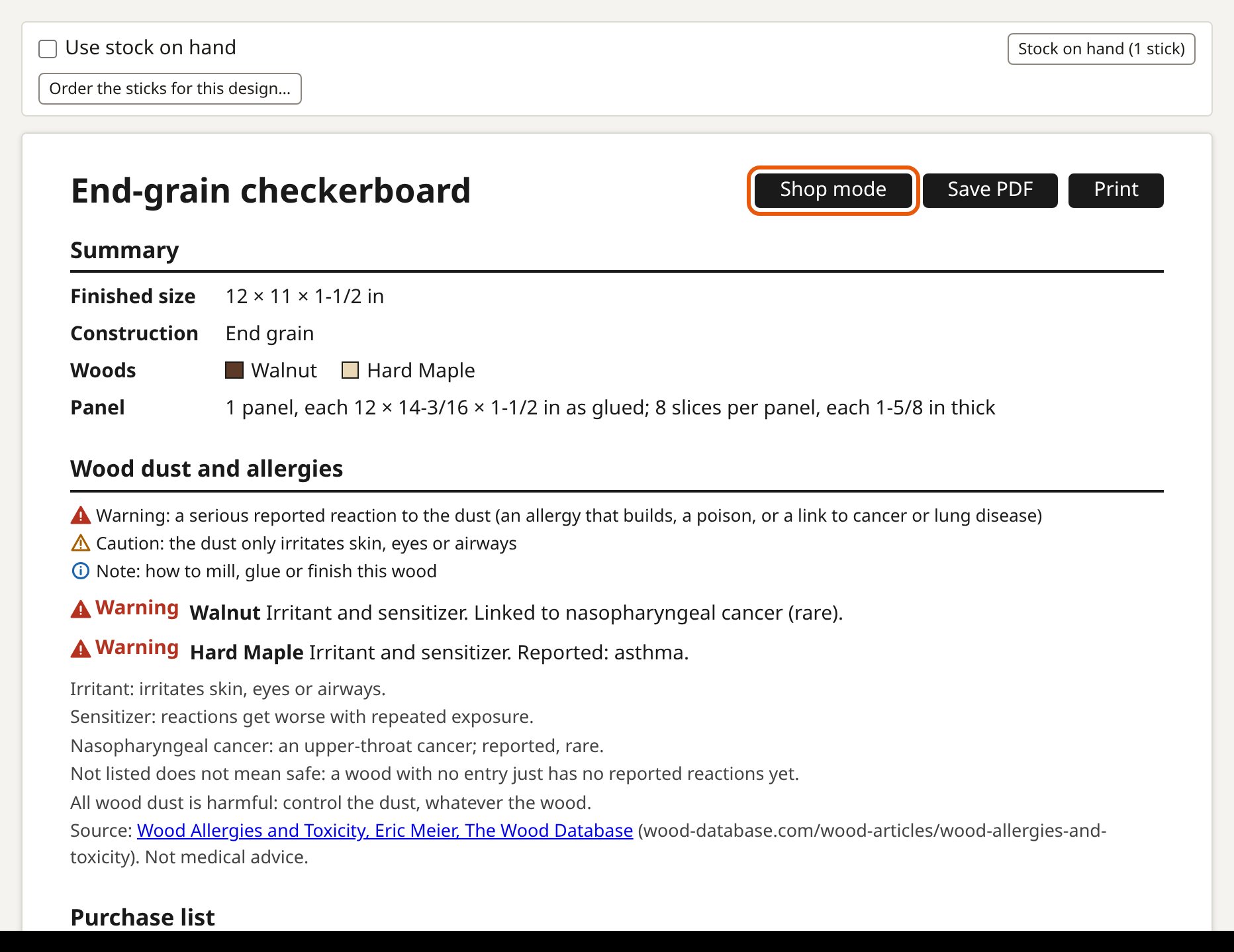
You print the sheet, or save it as a PDF. Shop mode shows one step at a time, big enough to read on a tablet or phone at the bench, and you tick each step off as you go.
Batch Pro
You tick several boards and open Batch: one purchase list and one cutting diagram for all of them, with parts from different boards sharing sticks where that buys less. A batch never buys more than the boards would apart.