 Board Designer
Design freely, build precisely.
You lay out an end-grain, edge-grain or face-grain board, strip by strip or from a pattern. Board Designer works out the rest: what to buy, every cut, and the steps to glue it up.
- Runs in your browser
- Works offline
- No account
- Your boards stay on your computer
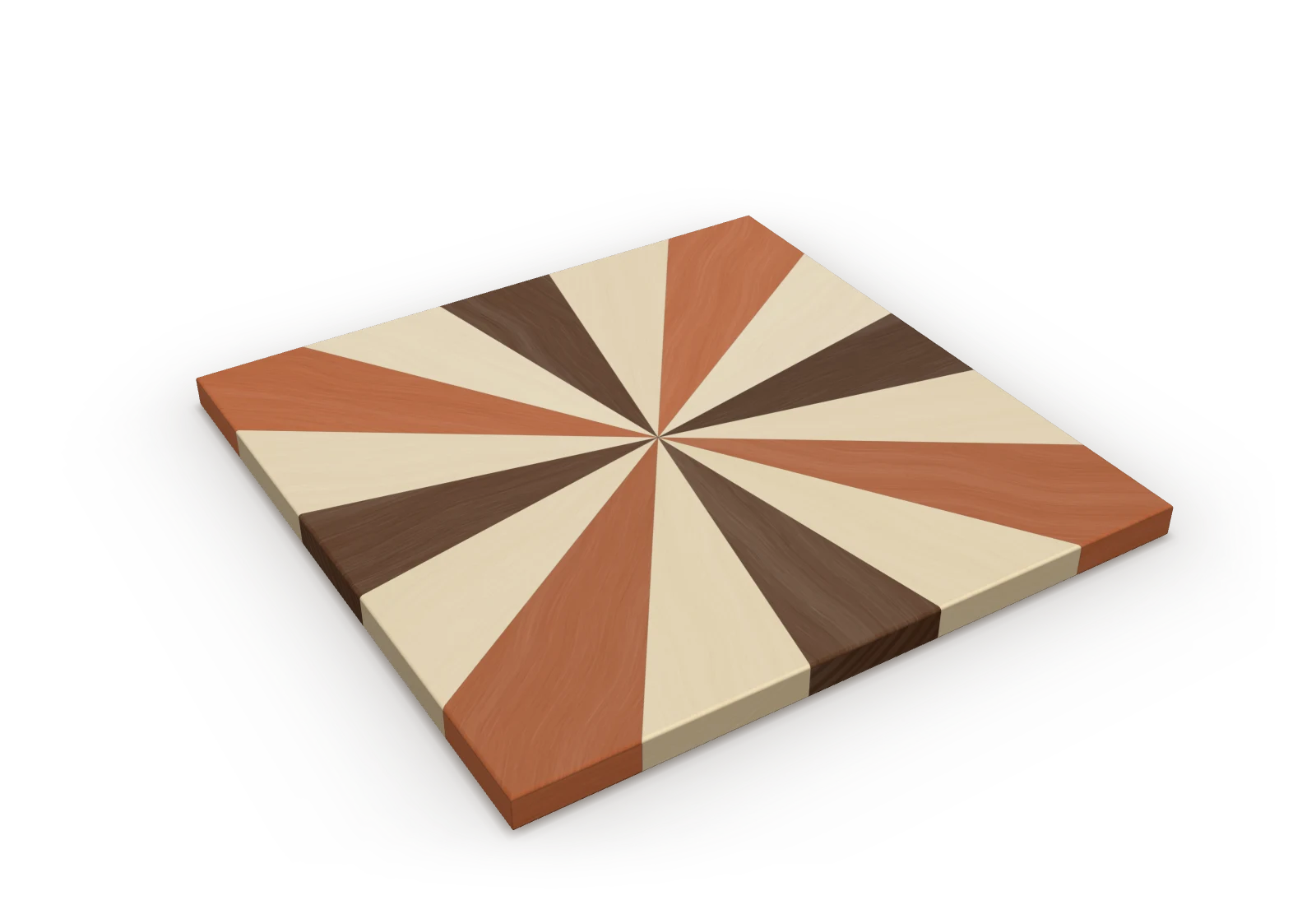
You draw the board. The cut list is already done.
Every figure below was worked out by the app itself, from one of its starter boards.
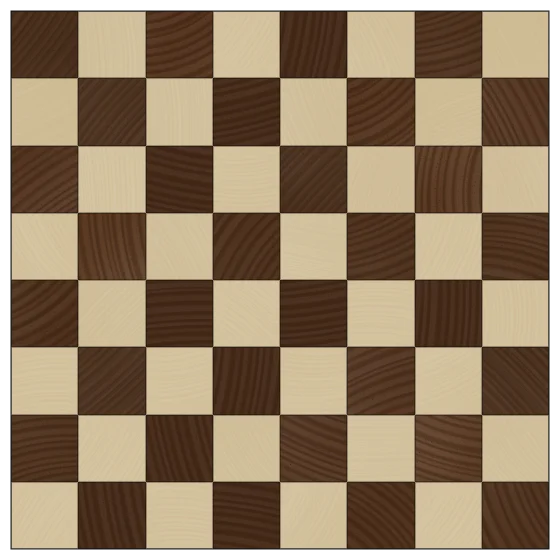
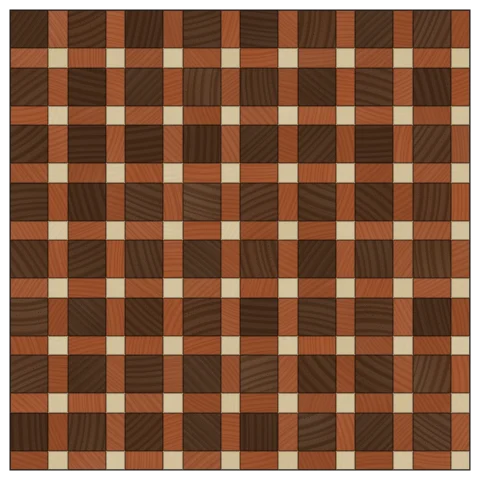
End-grain checkerboard (12 × 12 × 1-1/2 in)
Thick end-grain board; alternating slices flipped to form a checkerboard of two woods. Worked out with the app's default shop settings.
What to buy
| Wood | Sticks | Stick | Board feet |
|---|---|---|---|
| Walnut | 4 | 1-1/2 × 1-1/2 × 18 in S4S | 1.13 |
| Hard Maple | 4 | 1-1/2 × 1-1/2 × 18 in S4S | 1.13 |
2.26 board feet in all.
The cut list
| Wood | How many | Length (in) | Strip width (in) | Thickness (in) | Rip |
|---|---|---|---|---|---|
| Walnut | 4 | 14-3/8 | 1-1/2 | 1-1/2 | No rip |
| Hard Maple | 4 | 14-3/8 | 1-1/2 | 1-1/2 | No rip |
The steps
- Cut the strips
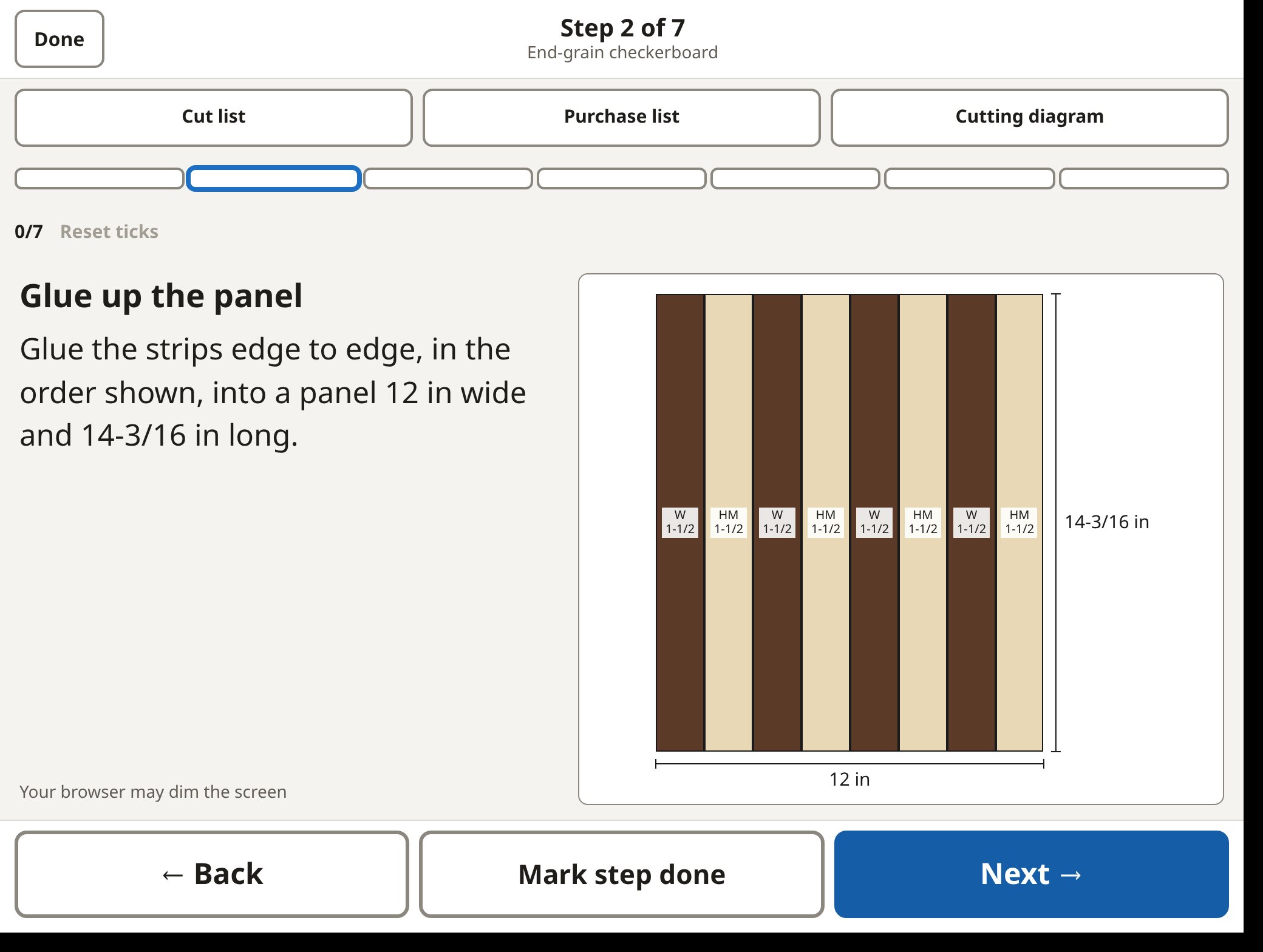
- Glue up the panel
- Check the panel
- Crosscut into slices
- Roll and arrange the slices
- Glue up the board
- Flatten and trim
Far more than stripes.
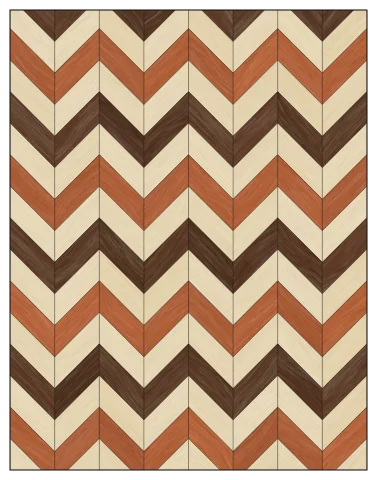
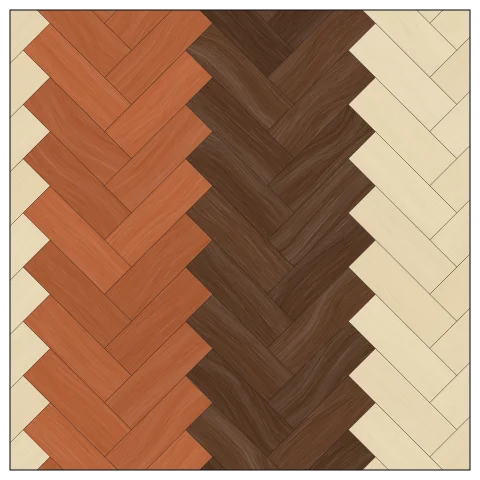
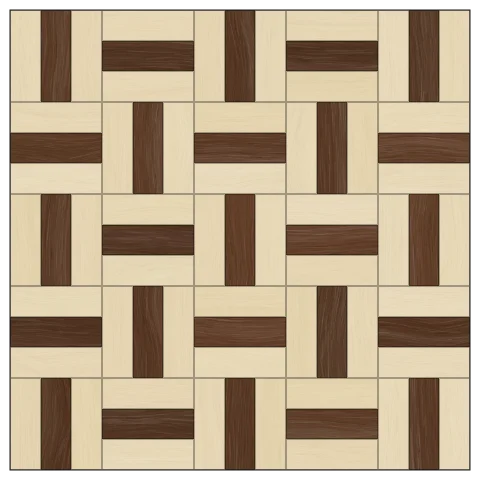
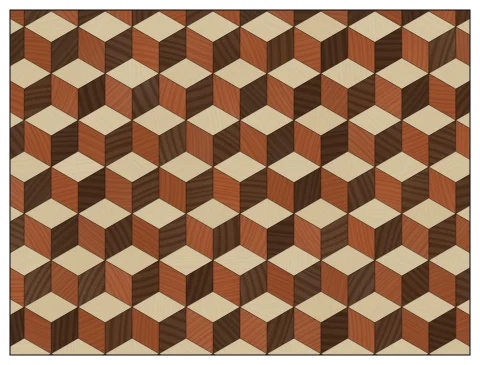
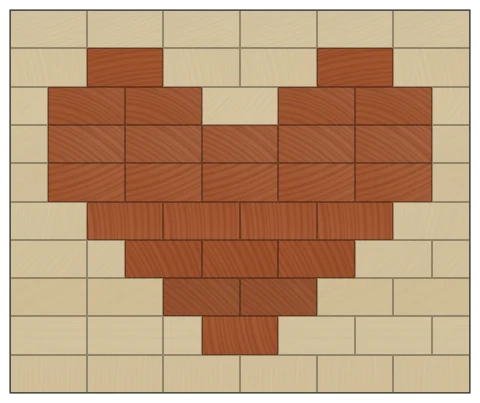
Start from any of the 30 starter boards, or your own strips. Each pattern knows how it is really built, so the steps follow its own glue-up order.
Your shop, your numbers.
Every saw cut counted
Your blade's kerf, your end trim and your allowances are settings. The sticks it tells you to buy are the sticks you need.
Glue-ups that fit your planer
When a panel is wider than your planer, the sheet splits the glue-up into sections that each fit, so each can be flattened before the next joint.
Never planed
End grain is sanded, never put through the planer. You choose which glue-ups get flattened, and the parts are sized to match.
Bought as you buy it
Standard surfaced sticks, your own sizes, or rough lumber by the quarter. S4S sticks at their own size go straight into the glue-up, unplaned, and the purchase list says when to rip.
A sheet to print. A step at a time.
The shop sheet is a print preview: what to buy, the cut list with every rip, a cutting diagram for each stick, and numbered build steps with drawings. Print it, or save it as a PDF.
Shop mode shows one step at a time, in big type, for a tablet propped up at the bench. You tick each step off as you go.
Free for building. Pro for selling.
Free everything to build a board
- Edge, face and end-grain boards from strips
- Patterns: checkerboard, brick, chevron, herringbone, starburst, lattice and more
- Wood textures, light and dark themes, a 3D view
- Designs kept at once (Free: two, the one you are building and the one you are planning)
- What to buy, the cut list and numbered build steps, to print or save as a PDF
- Wood reactions and shop notes for each wood
- Save, open and export boards as files
- Works offline, installable as an app
Pro private beta
Everything in Free, and:
- Batch: several boards planned and cut together
- Stock on hand: plan from the sticks you have, assigned to each design
- The Stock lane: what you can build, orders, deliveries and reports
- Stick prices by size
- A stick price borrowed from a wood's price per board foot
- Quotes: materials, labour and margin, a customer card
- Compare boards side by side
- Business settings: rates, margin, tax and terms
- A library folder shared between computers (Chrome or Edge)
Make the next board on paper first.
Open it in your browser, install it as an app, or download one file to keep.